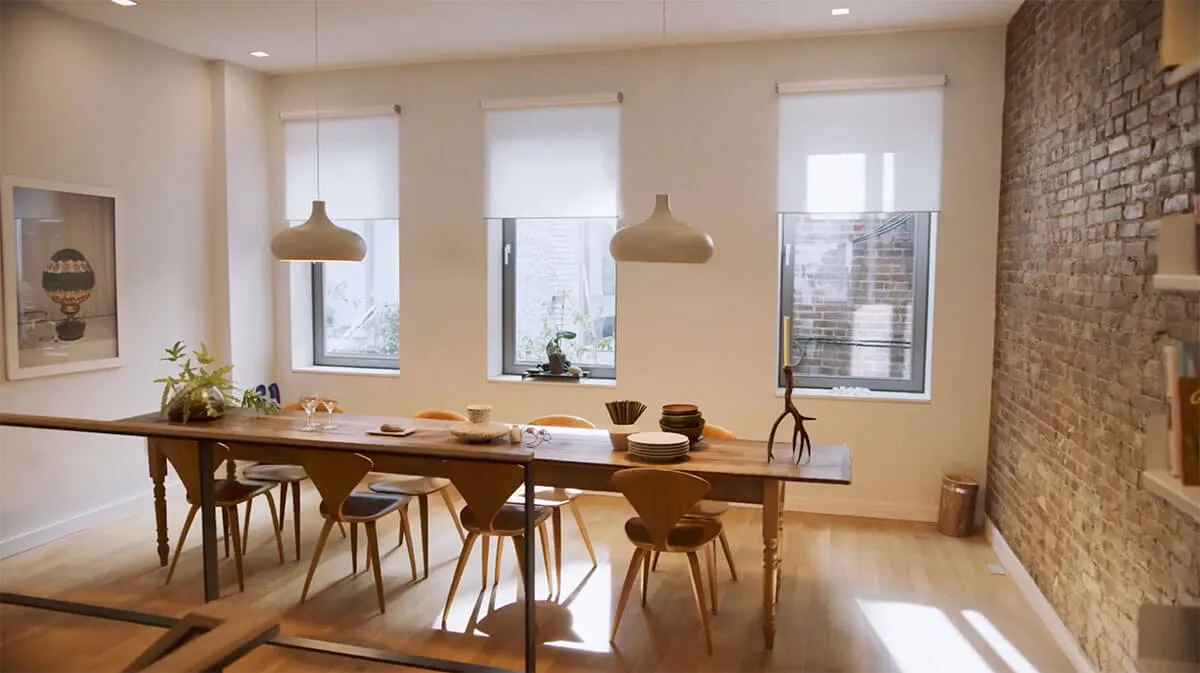
Lutron shades make it easy to transform the atmosphere of your home with a single touch. From creating the perfect ambiance to improving comfort and energy efficiency, these shading solutions offer complete control over light and privacy in any room. If you are considering Lutron for your home in Santa Rosa, understanding how to operate these systems will help you get the most out of your investment.
What Makes Lutron Shades Different
Lutron shades stand out because of their precision engineering and seamless integration with smart home systems. Unlike standard motorized shades, Lutron products are designed with proprietary technology that ensures smooth, quiet operation and long-term reliability.
These shades can be controlled through multiple methods, giving homeowners the flexibility to manage light and privacy in whatever way works best for their daily routine. Whether you prefer a dedicated remote, a wall keypad, a smartphone app, or voice commands, Lutron provides a consistent and intuitive experience across all control options.
Controlling Lutron Shades with a Remote
Lutron remotes are among the most common ways to operate motorized shades. These handheld devices allow you to raise, lower, or adjust individual shades or groups of shades from anywhere in the room.
Most Lutron remotes are designed to be simple and intuitive, with clearly labeled buttons for raising, lowering, and setting favorite positions. Remotes can be programmed to control a single shade, a room full of shades, or the entire home depending on your preferences and system configuration.
Using Wall Keypads and Dimmers
Lutron wall keypads offer a permanent control solution that integrates seamlessly into your home's interior design. These keypads can be installed in any room and programmed to control shade positions, lighting scenes, or both simultaneously.
Keypads are particularly useful in living rooms, bedrooms, and home theaters where creating specific lighting and shading scenes enhances the experience of the space. A single button press can lower shades, dim lights, and set the perfect ambiance for any occasion.
Controlling Shades Through the Lutron App
The Lutron app provides full control of your shading system from any smartphone or tablet, whether you are at home or away. Through the app, you can raise or lower individual shades, activate preset scenes, and create schedules that automate your shades based on time of day.
Scheduling is one of the most popular features of the Lutron app. You can program shades to open automatically in the morning to let in natural light, close during peak sun hours to reduce heat gain, and lower in the evening for privacy. These automated routines run in the background without requiring any manual input.
Voice Control Integration
Lutron shades integrate with major voice control platforms including Amazon Alexa, Google Assistant, and Apple HomeKit. Once connected, you can raise or lower your shades using simple voice commands without reaching for a remote or opening an app.
Voice control is especially convenient in situations where your hands are occupied or when you want to make quick adjustments without interrupting other activities.
Creating and Using Scenes
One of the most powerful features of the Lutron system is the ability to create scenes. A scene is a saved configuration of shade positions that can be recalled with a single button press or voice command.
Common scenes include a morning scene that opens shades to fill the home with natural light, a privacy scene that lowers shades while maintaining outward visibility, and a sleep scene that fully closes blackout shades in the bedroom. Scenes can be customized to match your daily routine and activated through any control method.

Control Your New Lutron Shades from Hartley with Ease
Lutron shades are designed to make everyday life more comfortable and convenient. With the right setup and a few minutes of familiarization, controlling your shades becomes second nature. Hartley Window Coverings specializes in Lutron systems and can help you configure your controls, create scenes, and get the most out of your investment. Contact us today to schedule a consultation.


.webp)